
Vibe Coding explained: When do you need a CMS?

By Arso Stojović•November 24, 2026•12 min read
Building a website no longer has to start with components, layouts, and an empty repository. You can describe the site you want, and an AI coding tool will generate a working version. That way of working is called vibe coding, and it has changed how quickly a first version can exist.
Speed at the start does not answer what happens next. Someone still has to publish articles, update product messaging, change metadata, and keep the same facts consistent as the site grows. A working website and a manageable website are different problems.
So the question is practical. Does vibe coding remove the need for a CMS, or do they serve different purposes? The answer depends on how often the content has to change after the code is generated by AI coding assistants.
What is vibe coding?
Vibe coding is an approach to software development in which a person describes what they want to build in natural language and uses an AI tool to generate and modify the code, often iterating through prompts rather than writing every line manually.
You name the outcome: a responsive blog homepage, a different navigation pattern, a contact form. The tool proposes the files. You run the result, see what it did, and ask for the next change. The work moves by conversation: describe, generate, test, refine.
Andrej Karpathy popularized the term in February 2025. His version of the practice is specific. You lean into the loop far enough that you stop reading every diff as the source of truth. You accept the edits, paste errors back into the chat, and continue as long as the project still behaves the way you asked.
That description is narrower than "anyone using an AI coding tool." Drafting code in Cursor or Claude, then reviewing, testing, and editing it, is AI-assisted development. Vibe coding sits at the exploratory end of the same spectrum, where the visible result leads, and you don't read every change. The same product can support both. They are different ways of working.
How does Vibe Coding work?
A website is easier to follow than a definition.
The Vibe Coding process
The loop has four stages.
Stage | What happens |
|---|---|
Describe | You say what the page should do. For a blog homepage: a responsive layout, a short introduction, recent articles, and a clear path into each post. |
Generate | The tool writes or edits the project: markup, styles, and the components that assemble the page. |
Review | You open the page and compare it with the request. Generated code can look finished but still be wrong, which is why code review matters. |
Refine | You ask for a specific change, such as tighter spacing or a simpler header, and the tool edits the project again. |
You repeat the last two stages until the page behaves the way you want. The same loop applies to features, not only to visuals.
A working preview is still not a reviewed system. Run the site, click through it, and treat unexpected behavior as something to inspect. Validation stays with you, even when the tool wrote the files.
How is Vibe Coding changing web development?
Vibe coding matters beyond one person's speed. It changes who can start a website, and how quickly a team can try an idea.
People with limited programming experience can reach a working prototype without learning a framework in full first. The cost of an experiment drops. A founder, designer, or marketer can react to a running interface instead of a picture of one.
Developers feel a different change. Routine interface work can move to the tool, which leaves more attention for review, integration, and the decisions a prompt never names. A layout change can be a request instead of a manual pass through several files.
The responsibilities stay. Architecture, security, debugging, testing, and maintenance still decide whether a site is safe to ship. AI-generated software is not production-ready just because it runs. The people who understand the system remain accountable for it.
That is also why teams are weighing AI coding platforms and traditional page builders as ways to assemble a site. They can look similar while the first pages are going up. They diverge once you care about the codebase, the content, and what the site requires six months later.
Popular Vibe Coding tools
Vibe coding tools differ in how much of the project they own. Some live inside a code editor and leave the repository in your hands. Others generate an application from a prompt and also handle the environment or the deployment. This is a map of categories, not a ranking. Features move quickly.
Tool | What to use it for |
|---|---|
AI-assisted development inside a code editor, including edits across an existing repository | |
Agentic coding against a codebase, suited to repository-level tasks | |
Generating an application from natural-language instructions | |
Building and running an app in the browser | |
Writing, running, and deploying in one hosted environment | |
Generating UI and frontend code from a description |
The practical difference is control. An editor-based tool keeps source code, dependencies, and deployment choices visible. A hosted builder can reach a running app with less setup, and it may also hide more of the stack.
Where Vibe Coding starts to fall short
Picture a marketing site built in an afternoon. It has a homepage, several landing pages, and a blog. The first version looks right, and the links work.
Then the work changes character. The team needs to publish articles, revise product messaging, update titles and descriptions for search, and keep the same claims consistent across pages. If that content lives inside components or other source files, every update is a code change. One person can live with that on a prototype. It gets awkward when posts go out every week, or when a writer and a marketer both need access.
Vibe coding does not have to hardcode content. A generated project can still load posts from an API. The gap is architectural. AI-generated code does not automatically include a content management system. Without a content layer, the repository becomes the place content is edited, and every change waits on someone who can ship code.
Separating content from the frontend makes later updates repeatable. Structured content gives titles, slugs, body copy, metadata, and relationships a stable shape, so a post can change without rewriting the page that displays it. The interface can move. The content model can stay put while the coder writes code.
That is where the distinction between building a website and managing its content becomes important.
CMS vs. Vibe Coding: Do you have to choose?
You can use both. Vibe coding and a CMS answer different questions.
Vibe coding | CMS |
|---|---|
An approach to generating and modifying software | A system for managing structured content |
Primarily affects the development workflow | Primarily affects the content workflow |
Can generate pages and components | Stores and organizes content |
Enables rapid interface iteration | Supports repeatable content updates |
Produces application code | Exposes content through an editor, an interface, or an API |
A headless CMS is the form of that split that fits an AI-built frontend. Editors manage content in one place. The site retrieves it through an API. You can rebuild the presentation with an AI coding tool and leave posts, fields, and the editorial workflow where they are.
You can vibe code your website without vibe coding every content update.
There is a tempting shortcut: ask the coding tool to generate an admin so the project has somewhere to edit copy. That can look complete on day one. It also creates a second product. Permissions, drafts, media, previews, and the bugs that appear when non-developers use the panel all become maintenance. Building a custom CMS is a long tradeoff, not a free result of a fast prompt.
When should you use a CMS with Vibe Coding?
A CMS adds setup and a boundary between content and code. That cost is worth paying only when content has a life of its own.
When does a CMS make sense?
Use one when content is ongoing work. Blogs, sites whose messaging changes often, multi-language sites, and any project where marketing or other contributors publish all fit. So do product sites and content-heavy SaaS products, where the same structured content may feed a marketing site, documentation, or a surface inside the product. If that is the product you are building, start with a headless CMS for AI applications rather than a generic feature checklist.
When you might not need one
Skip it for a throwaway prototype, a short experiment, or a few static pages that will not change. On a small project with no editorial workflow, leaving content in the code is a reasonable choice until the update pattern justifies the split.
How Agentic CMS fits into Vibe Coding
A headless CMS stores structured content and delivers it to applications through APIs. The website can be replaced. The content model stays.
An agentic CMS lets AI agents work inside that system, through supported tools and within permissions you set. An agent can inspect the structure, draft or update entries, and work with media. People still decide what is published.
Teams that want those steps to follow a defined process can place the CMS inside broader AI-assisted content workflows. The content model is what keeps that work predictable.
Using BCMS with AI coding tools
BCMS is one example, not the only CMS that can sit behind an AI-generated frontend. A BCMS-powered site can be modified in Cursor while posts, pages, and media stay in BCMS. With MCP enabled, the agent can also call BCMS directly to build apps.
MCP (Model Context Protocol) lets an editor use tools on a remote system. The BCMS server can query the content structure, create and update entries, and manage media. Each key limits what the agent may do. Confirm every write in the CMS, not only in the chat.
Tutorial: Vibe Code a website with Cursor and a BCMS starter
Start with the content architecture already in place. Use AI to change the website, and leave the content model and the fetching alone.
Step 1: Choose a BCMS Starter
Use the Next.js blog starter. It already includes a homepage, a blog index, post pages, and about and contact pages, connected to a BCMS project. The sample content is a small magazine-style blog, so you can see real entries before you restyle anything.
Posts are CMS entries. Each one has a title, slug, cover image, description, date, and category. The body is entry content, rendered by the starter's content manager. Featured posts come from a homepage entry, and listing pages load posts with entry.getAll('blog').
npx @thebcms/cli create next starter blogFollow the prompts. The CLI scaffolds the Next.js app and connects it to a BCMS instance, which requires an account.
The starter code is open source. CMS access is separate: new accounts get a 14-day trial with no credit card, then Hobby or Pro. Hosting the exported site is your own deployment. The Next.js headless CMS starter guide covers the same CLI path in more detail.
Step 2: Open the Starter in Cursor
Open the generated folder in Cursor. Server-side fetches read BCMS_API_KEY. Image delivery and other browser-safe calls read NEXT_PUBLIC_BCMS_API_KEY. Confirm both are set, and keep the env file out of git.
npm install and npm run dev
npm run dev pulls TypeScript types from BCMS, then starts Next.js. Open the homepage, the blog index, and one post. Confirm the articles are coming from the CMS before you change the design.
Step 3: Customize the Website Using AI
Ask Cursor to change the presentation and to leave the content integration alone:
Cursor customization prompt
Read the file plan before you accept edits. Layout, styles, and presentational components should change. The BCMS clients, the blog entry calls, and the rendering of entry content and media should stay. Category navigation should use the category on each post. Featured articles should still come from the homepage entry.
If a change replaces entry.getAll('blog') with a local array of posts, reject it.
Step 4: Connect Cursor to BCMS
Design edits belong in the repository. Content edits belong in BCMS.
In BCMS, open Settings → MCP and create an MCP key. Add the server in Cursor with the snippet on that page:
MCP configuration, with YOUR_MCP_KEY as the placeholder
Use a key you can rotate. Do not commit it, and do not put it in the Next.js app. The website's read key and the agent's MCP key are different credentials.
Then ask for a checkable action: list the blog entries, or draft a post with a title, slug, description, and a short body. BCMS MCP can read the content model, create and update entries, and manage media, within that key's permissions. Confirm the entry in the dashboard. Setup details are in the BCMS MCP documentation.
Step 5: Update Content Without Rebuilding the Website
Create or edit a blog post in BCMS: title, slug, date, category, cover, and body. Do it in the dashboard, or ask the connected agent to update the entry and then verify it yourself.
This starter is a static export (output: 'export' in next.config.mjs). During npm run dev, the dev server fetches current entries, so a content change can be previewed locally. A deployed build contains the entries from the last export, so a live update appears after you rebuild and redeploy.
The layout can keep changing through AI-assisted edits. The article stays a BCMS entry.
The website's design can evolve through AI-assisted development, while its content remains structured and manageable through BCMS.
FAQs about vibe coding
Can you use a CMS with vibe coding?
Yes. An AI coding tool can generate or modify the frontend, and that frontend can load content from a headless CMS through its API.
Do you need coding experience to start vibe coding?
You can experiment with very little. Prompting a tool is enough for a prototype. Debugging, integrations, security, and spotting a wrong result matter more once the site is going to production.
What's the difference between a headless CMS and an agentic CMS?
A headless CMS manages structured content and delivers it through APIs. An agentic CMS does that, and also lets AI agents operate on the content through tools such as MCP, under permissions you set.
Can Cursor work with a headless CMS?
Yes. Cursor can edit a frontend that already fetches from a headless CMS, as the BCMS Next.js starter does, making it easier to write code. With BCMS MCP configured, it can also run the content operations that key allows. Confirm writes in the CMS.
Final thoughts: Vibe Code the website, not every content update
Vibe coding is a fast way to build and reshape a website. Plenty of small projects never need a CMS, especially when using a vibe coding app. A CMS earns its place when content changes on a schedule, when more than one person publishes, or when that content has to stay intact while the interface keeps moving.
The goal isn't to choose between AI-generated code and structured content management. It's to build faster without making your website harder to maintain.
Try BCMS free
Headless CMS for developers. Agents and clients can edit content. You keep the code.
14-day free trial · No credit card required
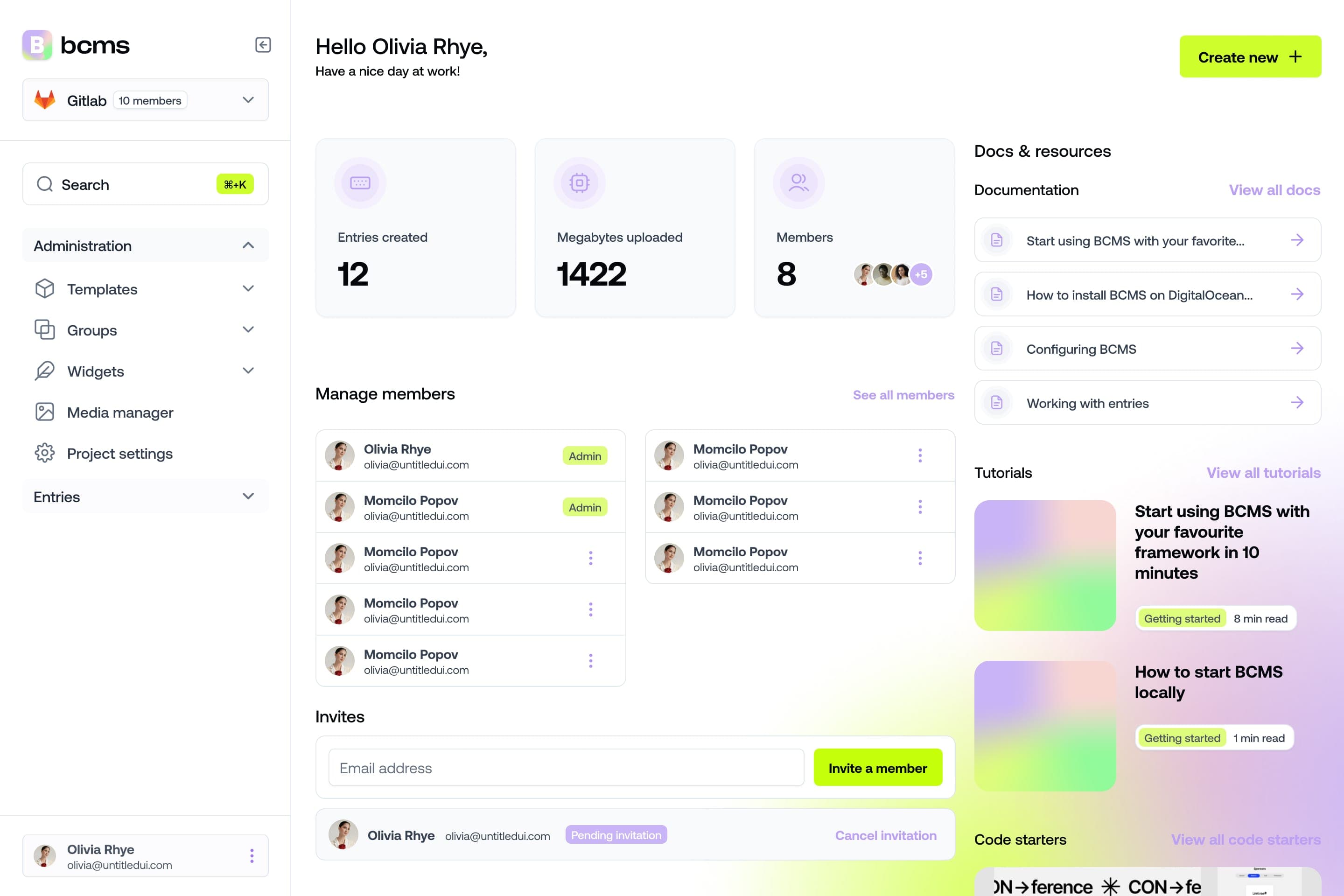
Try BCMS free
14-day free trial. No credit card. It takes a minute to start using BCMS.
Content
Try BCMS free
Headless CMS for developers. Agents and clients can edit content. You keep the code.
14-day free trial · No credit card required
Continue reading

Composable CMS: What it is & why your stack should be flexible
Composable CMS uses modular architecture & integration to make content management more flexible and support scalability as your stack evolves.

MACH CMS: MACH architecture and headless CMS explained
Explore the MACH architecture with headless CMS, microservices, and API-first principles. Understand composable systems for flexible content delivery.

BMAD Method for Website Content: Where AI Workflows Meet a Headless CMS
Learn how BMAD-style AI workflows can help teams create structured website content, and how BCMS supports this with templates, widgets, media, MCP, and content models.