
What is the best headless CMS for developers compared to Contentful with features and ease of use?

By Momčilo Popov•November 16, 2026•14 min read
Your client wants to change a headline. Somehow, you're evaluating a content platform.
For developers building client websites, blogs, and content-heavy marketing sites, BCMS is our first recommendation when the priority is structured editing and managed hosting. Choose Sanity when you want to build a custom editing interface, Payload or Strapi when you need control over the backend, and Storyblok when editors need to work directly against a page preview.
Contentful remains a sensible choice when its environments, integrations, and governance already support how your organization works. A CMS migration needs a better reason than a shorter feature table.
This comparison is published by BCMS. The recommendations reflect the workflows described below, using public documentation and pricing reviewed on November 16, 2026. They are not results from a timed usability benchmark.
The best Contentful alternatives for different developer workflows
CMS | Choose it for | Main tradeoff |
|---|---|---|
BCMS | Hosted content management for websites and client handoff | No self-hosting; validate advanced editorial requirements |
Sanity | A custom Studio and code-defined schemas | Developers own the editing interface configuration |
Payload | A TypeScript CMS inside your application | You own more application and infrastructure decisions |
Strapi | A customizable backend with a visual content-type builder | Hosting, upgrades, and paid CMS features need separate planning |
Storyblok | Visual editing of component-based pages | Developers must integrate the preview and editable components |
Contentful | Established content operations across teams | Platform, space, and feature packaging require careful budgeting |
These are workflow recommendations, not a universal ranking. An excellent CMS for a product engineering team can be an awkward handoff for a freelance client's website.
For a broader look at switching platforms, including migration considerations, see our Contentful alternatives guide.
What makes a headless CMS good for developers?
Getting JSON into a page is the easy part. The harder questions arrive when somebody changes the model, adds another language, or asks why yesterday's edit still isn't live.
Evaluate the whole publishing path.
Content modeling. Can you represent your actual content without hiding everything in a generic JSON field? A case study might reference a client, contain reusable testimonial blocks, and share an SEO field group with other pages. Check how the CMS handles those relationships and how editors navigate them.
Types and queries. Look beyond whether an SDK uses TypeScript. Can it generate types from your content model? Can it type the result of the query you actually run? What happens when a required field changes? Generated types help, but they do not validate every historical entry at runtime.
Publishing and preview. Trace an unpublished edit through the preview, permission checks, publish action, webhook, and frontend cache. A preview feature still needs an implementation that matches your routes and authentication.
Editor independence. Give the person who will maintain the site a realistic task. Can they find the right entry, replace an image, add a translation, and publish confidently? Count the moments when they need a developer.
Ownership after launch. Decide who maintains the CMS server, database, backups, custom editor code, and integrations. The subscription is only part of the cost.
Our API-first CMS guide explains the architecture. Here, the useful question is how much implementation and maintenance each option leaves with your team.
BCMS vs Contentful for websites and client handoff
BCMS is the option we'd start with for an agency website, a SaaS marketing site, or a publication whose editors need structured content without a custom admin application.
For a product-level BCMS vs Contentful breakdown, see BCMS vs Contentful.
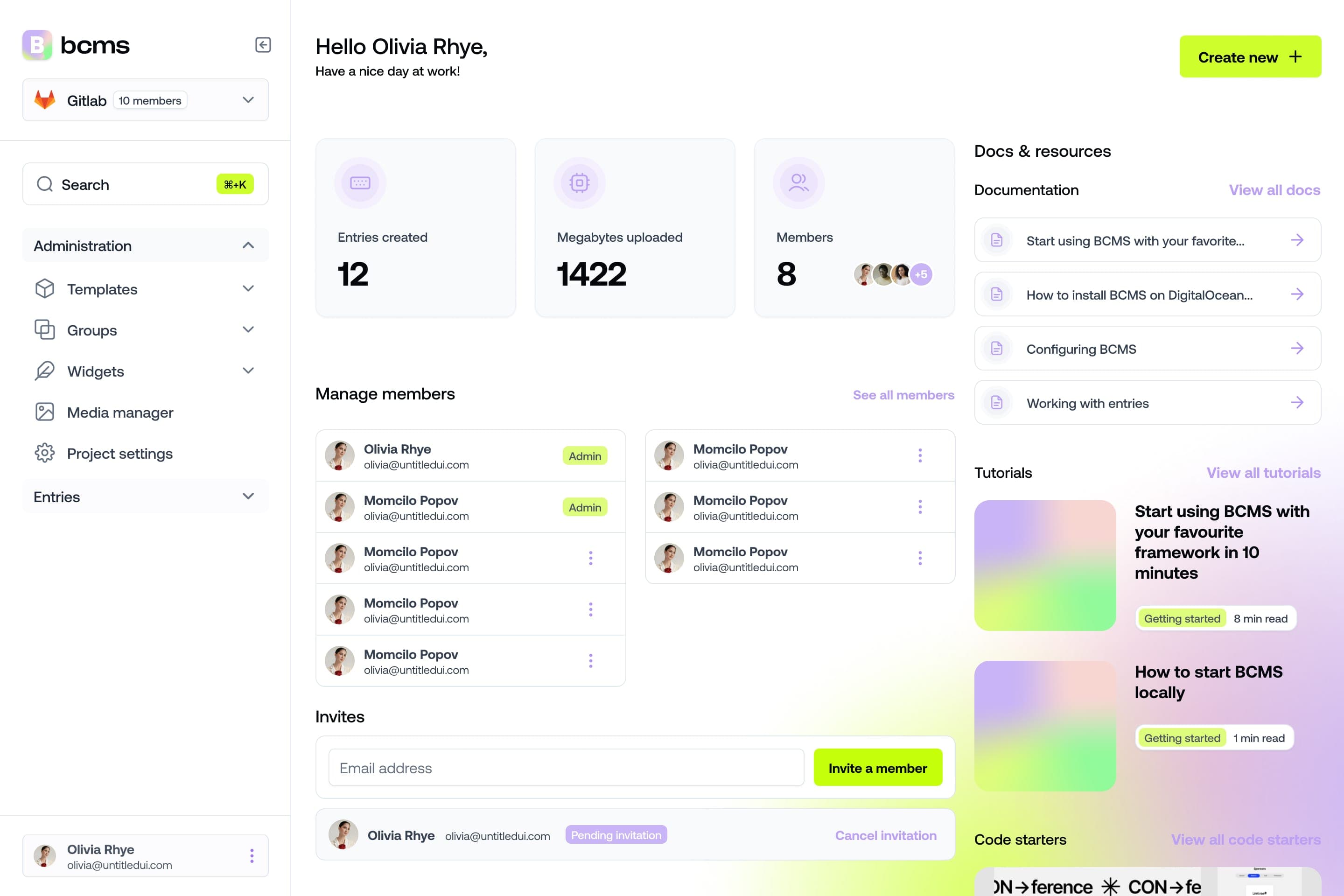
In BCMS, templates define content types. Entries hold the content. Groups let you reuse sets of fields, and entry pointers connect related entries. For example, a Case Study template can reference a Client entry and reuse an SEO group. You configure these structures in the dashboard. The template documentation shows the model and available field types.
That makes the handoff concrete. Your client edits the content you modeled, while your frontend controls its presentation. The quality of that handoff still depends on your field names, descriptions, and model. A confusing schema remains confusing in a cleaner interface.
BCMS provides integrations for Next.js, Nuxt, Astro, Gatsby, and Svelte, alongside its JavaScript and TypeScript client. Its CLI can generate TypeScript definitions from the CMS model. See the framework integrations for the supported setup paths.
For a Next.js trial, the documented starter command is:
npx @thebcms/cli create next starter simple-blog
Follow the prompts. The starter creates a BCMS project, adds sample content, and scaffolds the local Next.js project with configuration. Run the install and development commands inside the generated project directory. The Next.js integration guide also documents generating model types with:
bcms --pull types --lng ts
Use the starter as a test project, then replace its sample model with something representative of your site. One headline and one image will make almost any CMS look good.
The main limitation is scope. BCMS is cloud-hosted, with no current self-hosting option. If self-hosting is a requirement, move Payload or Strapi ahead of it. If you need a native GraphQL delivery API, BCMS is also a weaker fit than Contentful. Do not mistake Gatsby's GraphQL integration for a standalone BCMS GraphQL API.
For approval chains, scheduled releases, or a particular preview workflow, validate the exact requirement before committing. Structured editing is a good reason to shortlist BCMS; it is not evidence of feature parity with Contentful.
Sanity vs Contentful for a custom editing interface
Choose Sanity when the editing interface is something your team wants to design and maintain.
Sanity Studio uses JavaScript or TypeScript schemas to define content and generate editing forms. That gives developers a direct way to describe the model in code. It also means the editor experience depends on the configuration your team builds. See Sanity's schemas and forms documentation.
Its query tooling is a meaningful developer benefit. Sanity TypeGen can generate types for schemas and GROQ query results, so a projection can have a corresponding TypeScript result type. Unsupported expressions can still resolve to unknown types. GraphQL users should use the appropriate GraphQL typing tools instead, as explained in Sanity TypeGen.
Compared with Contentful, the attraction is the degree to which you can shape Studio around an editorial job. That is particularly useful when a standard entry form does not match how your team works.
The tradeoff is engineering responsibility. Someone needs to maintain the schemas and customizations. If the project needs a conventional blog and a few landing pages, first establish what that extra customization will buy you.
Also separate Studio from the content service when comparing hosting. Being able to customize or host an editing interface does not mean you can self-host the provider's entire content backend.
Payload vs Contentful for TypeScript applications
Payload is the stronger candidate when you want the CMS to be part of your application codebase.
Its configuration defines collections, fields, access control, hooks, localization, and database choices. Collections generate Local, REST, and GraphQL APIs. Those capabilities make it a useful fit when content management overlaps with application behavior. The Payload configuration guide and collection documentation explain the structure.
The Local API is the distinction worth understanding. Server code can call Payload operations directly instead of making an HTTP request to its own CMS. That can be useful in React Server Components, scripts, and route handlers.
There is an important permission detail. Payload's Local API bypasses access control by default. When an operation must obey a user's permissions, configure overrideAccess and the user context deliberately. The Local API documentation spells out those defaults.
Compared with Contentful, you gain control over more of the implementation. You also take responsibility for more of it. Database operations, deployments, storage, and upgrades belong in the project estimate.
Pick Payload when that control solves a real application requirement. For a small client site whose owner needs routine content updates, decide whether running another backend is work you want to keep.
Strapi vs Contentful for a customizable backend
Strapi suits teams that want a CMS backend they can extend and host themselves, with a visual tool for defining content types.
Its Content-type Builder supports fields, relationships, reusable components, and dynamic zones. That lets you model a page containing a controlled selection of different components. The Strapi documentation covers those modeling options.
Strapi's core is MIT-licensed, and the platform supports self-hosting or deployment to Strapi Cloud. That is a different ownership model from Contentful's hosted service. It gives your team more control over the runtime and data infrastructure. See Strapi's platform overview.
Watch the pricing distinction. A Strapi Cloud subscription covers hosting. Paid CMS functionality uses a separate CMS license. Buying hosting does not automatically include every editorial feature. Strapi explains this in its Cloud billing documentation.
Choose Strapi when your team wants that backend responsibility and needs the extension points. If nobody owns upgrades and production operations, self-hosting is an unfinished staffing decision.
Storyblok vs Contentful for visual editing
Storyblok is our first candidate when editors need to see the page while they change its components.
Its Visual Editor connects blocks in the editing interface with elements in the page preview. Editors can select a page element, find the corresponding block, and see changes reflected in the preview. That interaction can reduce the work of translating a long list of fields into a mental picture of the page.
Developers still build the integration. Storyblok's Visual Editor documentation describes fetching draft content and adding the information that connects rendered components to editable blocks. Preview URLs and security settings also need attention.
Contentful has live preview too. The useful comparison is the resulting editing workflow, setup effort, and plan entitlement. Saying Contentful has no preview would be wrong.
Choose Storyblok when visual page composition is a frequent editorial task. If most content is reused across several different views, first test whether editors actually benefit from a page-centered interface.
Confirm the required plan for GraphQL, workflows, roles, and releases. A capability appearing somewhere on a vendor's website does not mean it is included in the plan you priced.
When Contentful is still the better choice
Keep Contentful on the shortlist when you already rely on its content models, environments, integrations, and established publishing processes.
Its developer tools include delivery, preview, and management APIs, GraphQL, a CLI, and client libraries. These are documented in Contentful's developer portal. For a team already using them successfully, switching creates work that a cheaper subscription may take years to repay.
Contentful's preview also deserves a fair evaluation. Inspector mode supports manual field tagging, while automated Content Source Maps have a higher plan requirement in the documentation. Compare the implementation available to your account using the inspector mode guide.
The question is whether you use what you pay for. A multi-team publishing operation may benefit from capabilities that a five-person website team never touches. Neither team needs to apologize for choosing differently.
For an existing Contentful site, try fixing an overcomplicated content model or unreliable cache invalidation before assuming a migration will fix the editing experience.
Pricing and ease of use need the same project brief
The following public prices were reviewed on November 16, 2026. They describe different products and entitlements, so they are starting points rather than equivalent quotes. Taxes, usage, add-ons, and contract terms can change the total.
CMS | Public starting point | What to check |
|---|---|---|
BCMS | Hobby $5/month; Pro $50/month on monthly billing | Included seats, entries, locales, and storage |
Contentful | Free for learning; Lite $300/month in USD pricing | Commercial eligibility, space licenses, quotas, and add-ons |
Sanity | Free; Growth $15 per seat/month | Billable seats, datasets, usage, and add-ons |
Storyblok | Starter free; Growth $99/month on monthly billing | Space, seats, locale add-ons, and feature entitlements |
Strapi | Community core free; CMS Growth $45/month including 3 users | Hosting is separate; extra users and paid capabilities |
Payload | Budget from your chosen deployment and support arrangement | Database, storage, hosting, operations, and development |
Sources: BCMS pricing, Contentful pricing, Sanity pricing, Storyblok pricing, and Strapi CMS pricing.
BCMS's annual prices are $48 for Hobby and $396 for Pro, paid upfront. The current Hobby plan includes two seats, two locales, and 100 entries; Pro includes five seats and unlimited entries and locales. That makes the appropriate tier depend on the actual content volume, not just the number of people logging in.
Contentful's current usage terms restrict its Free plan to testing and learning, excluding commercial use cases. Do not budget a client production site against that tier without checking the applicable agreement. See the current usage limits. Pricing may also display a different billing currency by region.
For a useful quote, send every provider the same requirements: five editors, three languages, 2,000 entries, a defined amount of asset storage, expected API traffic, and the exact approval and preview workflow. Add your own engineering estimate. A subscription that saves $100 a month can still lose the comparison if it adds recurring maintenance you do not need.
Test ease of use before you migrate
Build one small but representative section of the site in your two finalists. Use the same content and the same editor for both.
Trial task | What it reveals |
|---|---|
Model a case study with a client reference and reusable SEO fields | Relationship handling and model reuse |
Add a second language and leave one field untranslated | Translation editing and fallback behavior |
Add a field after content already exists | Schema changes, type generation, and old-entry handling |
Preview an unpublished edit | Draft access and preview setup |
Publish, then unpublish | Webhook delivery and frontend cache invalidation |
Give an editor limited access | Whether permissions match the real publishing job |
Export a sample with references and media | The work required for a future exit |
Record setup time and editor help requests. Treat these as measurements from your own trial, not proof that one CMS is universally easier.
Keep the frontend honest too. Every CMS here can feed a poorly implemented website. Titles, canonicals, redirects, structured data, and rendering behavior still need deliberate implementation. Our CMS for SEO guide covers the selection criteria.
If you are still deciding whether you need headless at all, read Contentful vs WordPress before rebuilding a working website around a different API.
Questions developers ask before switching
Which headless CMS is easiest to use?
For a conventional client website, we'd start by testing BCMS's structured editing. For editors who need to compose pages against a preview, start with Storyblok. For a custom editorial process, Sanity may produce the best result after your developers configure it. The easiest choice depends on both the person building the integration and the person using it afterward.
Is there a self-hosted alternative to Contentful?
Strapi and Payload are candidates if you want to run the CMS backend yourself. Include operations in the comparison. BCMS is a hosted cloud product, so it does not meet a self-hosting requirement.
Is BCMS a free Contentful alternative?
BCMS currently offers a 14-day trial without a credit card, followed by a paid plan. Describe it as a trial, not a permanent free tier.
Does Contentful work with AI coding agents?
Yes. Contentful documents an MCP server for managing entries, assets, and content types. BCMS also provides MCP and agent tooling. Compare the available operations, permissions, and review process. MCP availability alone does not decide which CMS fits your team. See Contentful's MCP overview.
Will migrating from Contentful improve developer experience?
It can, if the new CMS removes a specific source of work. Define that problem first. Then estimate model conversion, rich-text rendering, media migration, reference mapping, preview, redirects, and editor training. A new dashboard will not repair a content model you copy unchanged.
Pick the CMS you want to maintain
For a client website with structured content and a small team, start with BCMS. Pick Sanity when custom editing justifies ongoing Studio development. Pick Payload or Strapi when backend ownership matters. Pick Storyblok when visual editing is central to publishing. Keep Contentful when the current operation benefits from its capabilities enough to justify the cost.
Try the same real task in two tools. The winner should leave you with less work after launch.
Start a 14-day BCMS trial and connect one content type to your frontend. Then let the person who will edit the site have a turn.
Try BCMS free
Headless CMS for developers. Agents and clients can edit content. You keep the code.
14-day free trial · No credit card required
Try BCMS free
14-day free trial. No credit card. It takes a minute to start using BCMS.
Content
Try BCMS free
Headless CMS for developers. Agents and clients can edit content. You keep the code.
14-day free trial · No credit card required
Continue reading

9 Best Next.js Alternatives for 2026
The best Next.js alternatives in 2026, compared by performance, DX, and use case. Find the right framework for your project.

The Best Webflow Alternatives for Web Design and Development
Discover the best Webflow alternatives for your web design and development projects. Find the perfect tool for your needs with our comprehensive guide.

Webflow vs Headless CMS - which one to use
Webflow vs. Headless CMS - which is right for you? Discover the differences and which option best suits your web design and development needs with our guide.