
Why some of the best WordPress companies are choosing to go headless in 2026

By Arso Stojović•December 30, 2025•6 min read
As businesses demand more flexibility, speed, and scalability, many leading companies have transitioned to a headless architecture. By decoupling the frontend from WordPress, these companies enhance performance while maintaining the powerful content management capabilities of WordPress.
This article will examine some of the best WordPress companies that have adopted a headless approach and provide key statistics on the trend.
Why the best WordPress companies are transitioning to headless architecture
Going headless is about solving very real technical and business problems. Here’s why companies are looking for headless WordPress alternatives:
How headless approach improve WordPress development services?
There are a lot of reasons why developers hate traditional WordPress. Platforms like WordPress are commonly the first choice for content creators and non-technical people. CMS for developers may not always be the most popular solution, but headless architecture brings a lot of advantages not only for developers but also for the whole team:
Freedom to use modern frontend tools
Traditional WordPress themes are PHP-based, which limits developers to WordPress-specific conventions. A headless setup decouples the frontend, allowing you to use React (Next.js), Vue (Nuxt), Svelte (SvelteKit), Astro, or any modern UI frameworks.
Result:
Better developer experience
Access to modern build tools, component-based architectures, and static site generation
Performance boost
When using a headless approach with frameworks that support static site generation (SSG) or server-side rendering (SSR), you eliminate the PHP rendering bottleneck and reduce page load time dramatically.
Result:
Faster page loads
Better Core Web Vitals
Improved SEO and user retention
3. Improved security
In a headless setup, the WordPress backend is not publicly exposed; only the API is. This reduces common attack vectors like brute-force login attempts, theme/plugin vulnerabilities, or direct access to /wp-admin.
Result:
Smaller attack surface
Less need for constant plugin security patches
Easier to pass security audits
4. Omnichannel content delivery
Headless CMS (especially API-first CMS) turns your site into a content API. That means you can push your content not just to a website, but to apps, kiosks, digital signage, smartwatches, or any device that can consume JSON.
Result:
Unified content management
No need to duplicate content across channels
More team freedom and easier collaboration
Backend (WordPress content team) and frontend (JS devs) can work independently. Editors focus on publishing; developers focus on building without touching the WP theme layer.
Result:
Faster development cycles
Fewer merge conflicts
Better scalability with multiple teams
6. Frontend reusability
With traditional WordPress, reusing components across projects or platforms is hard. Headless enables component-based architecture, so you can reuse cards, layouts, and blocks across multiple projects easily.
Result:
Less duplicated code
Easier design consistency
Faster prototyping and iteration
Now, let's see all these CMS features in action.
Examples of the best WordPress companies using Headless CMS
A WP Engine study on WordPress development found that 92% of respondents agreed that using headless CMS technologies makes it easier for organizations to deliver a consistent content experience across channels.
Considering that trends indicate the implementation of headless architecture is something most are moving toward, below is a list of headless WordPress development companies that are enhancing WordPress services with their work.
Best agencies for headless WordPress development service
Here are the top WordPress agencies that improve WordPress websites by implementing a headless approach:
GetDevDone

With over 19 years in the industry and operating across Europe, North America, and Asia, GetDevDone's development team is a leading company when it comes to headless WordPress solutions. They offer everything from pixel-perfect design to code conversions to build WordPress websites.
Services that they offer:
Custom WordPress development: GetDevDone creates custom websites using WordPress as the backend and modern frontend tools like React or Vue.
Migration to headless WordPress: Easily switch your current site to headless WordPress, fast, secure, and with zero data loss.
API Integrations: Connect WordPress with tools like CRMs, ERPs, or payment systems to make your site smarter and more efficient.
Multidots

If your business needs demand enterprise-level solutions, Multidots can be helpful. Their offerings include custom plugin development, WordPress migration, and WooCommerce development.
Vipe Studio

Operating since 2016, Vipe Studio specializes in custom WordPress solutions, including headless development, API integrations, and custom Gutenberg blocks.
Their WordPress developers are proficient in technologies like PHP, Next.js, and Vue.js, they ensure modern and efficient headless solutions for WordPress sites.
Illustrate Digital

Illustrate Digital is a digital marketing agency that specializes in headless WordPress.
Their offerings include everything for design and development:
UX research
UI/UX web design
Custom WordPress development
Website maintenance services
BCMS (Not a WordPress agency… but hear us out)
Okay, BCMS isn’t a WordPress development agency; it’s actually a headless CMS platform. But here’s the twist: it was built by developers who used to work on complex WordPress projects. After years of dealing with WordPress limitations (you know the ones), we decided to build our own solution.

So no, we don’t build WordPress sites. We build something better. And also can you with BCMS code starters for blogs, e-commerce, podcasts and etc.
WordPress website examples: From traditional WordPress to headless architecture
Here are a few notable website examples of migration from traditional to headless CMS:
1. TechCrunch

TechCrunch uses WordPress as its CMS, but the frontend is a custom build. Why? To handle the high traffic and offer a faster, cleaner reading experience. Going headless gives their dev team the flexibility to push performance optimizations without messing with the editorial workflow.
2. Beachbody

The health and fitness company transitioned to a headless approach to improve site speed and streamline its e-commerce experience. The result: faster load times and better conversion rates.
3. Harvard Gazette

Harvard's digital publication uses WordPress with Gatsby on the frontend. The combo allows them to modernize their content delivery while maintaining the editorial flexibility their team needs.
4. Maison de la Luz (Atelier Ace)

This boutique hotel brand prioritizes high-end design and seamless UX. Using a React frontend powered by a headless WordPress backend allowed them to create a digital experience as luxurious as the hotel itself.
Is headless WordPress right for you: Challenges and trade-offs
Going headless isn’t a magic fix; it’s a shift. Here’s what you gain and what you give up:
What you gain:
Better performance and speed
Full control over your frontend (React, Vue, whatever you love)
Easier multichannel publishing (web, app, kiosk, etc.)
What you lose:
Out-of-the-box WordPress themes and templates
Many WordPress plugins won’t work as expected
You’ll need a dev team: this isn’t drag-and-drop anymore
Conclusion: Traditional WordPress can’t keep up, but headless can
Headless CMS is growing fast because it solves problems traditional WordPress can’t, like speed, flexibility, and multichannel publishing.
Yes, you can go headless with WordPress, but you're still stuck with its old limitations. If you're thinking about making the switch, consider using a modern solution like BCMS. It’s built for headless from day one, fast, flexible, and made for developers.
Don’t force WordPress to be something it’s not. Move forward with a real headless CMS.
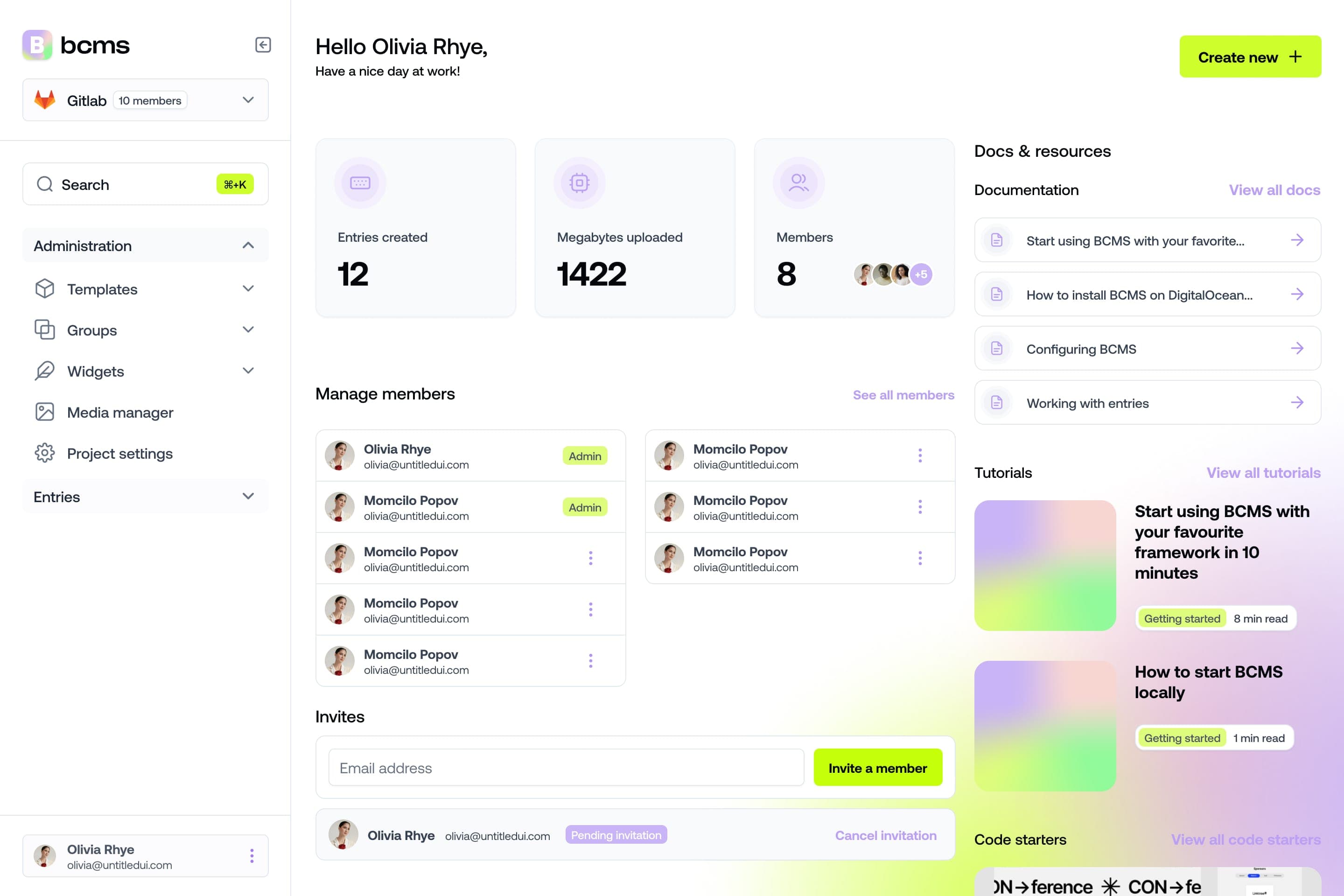
It takes a minute to start using BCMS
14-day free trial · No credit card required
Try BCMS free
Headless CMS for developers. Agents and clients can edit content. You keep the code.
14-day free trial · No credit card required
Try BCMS free
14-day free trial. No credit card. It takes a minute to start using BCMS.
Content
Try BCMS free
Headless CMS for developers. Agents and clients can edit content. You keep the code.
14-day free trial · No credit card required
Continue reading

Best headless CMS for AI SaaS in 2026
Choosing the right headless CMS is critical for AI SaaS products in 2026

Contentful vs WordPress: which CMS to pick (and when to migrate)
A practical Contentful vs WordPress comparison: architecture, Next.js setups, Contentful CLI migrations, competitors, and when BCMS is the better alternative.

Multisite CMS: Complete guide to managing multiple websites
Multisite CMS: Streamline your workflow & manage multiple websites efficiently. Centralize content, simplify updates, and gain control over all your sites.